
Your colleagues have some very strong opinions about tuna.
Funny photosYOUR PHOTO. MORE POSSIBILITIES.
Somewhere
else.
Still you.
100 scenarios. New places, unexpected looks, wonderfully silly moments. It all starts with your photo.
Download PicRoam
PICTURE YOURSELF INAmalfi
SAME YOU. MORE WHAT-IFS.
100 ways to
surprise yourself.
Try a new look. Be a little ridiculous. Change the scale of everything.
8 scenario examples
A warmer color. A whole new mood.
Face & hairA world where the daisies feel like trees.
Body & formAn unhurried afternoon on the Amalfi coast.
Travel portraitsYou set the table. The guests brought their own tuxedos.
Funny photosYour familiar features, with an animated twist.
Face & hairA softer, slightly more huggable version.
Body & formA gentle glimpse of an imagined future, side by side.
Two-photo moments100 scenarios 10 worlds
AI-created examples. Your own result will be unique.
A LITTLE WHAT IF
Where would you go?
Six countries. A thousand what-ifs.
Imagined places. AI-created portraits. Your own result will be unique.
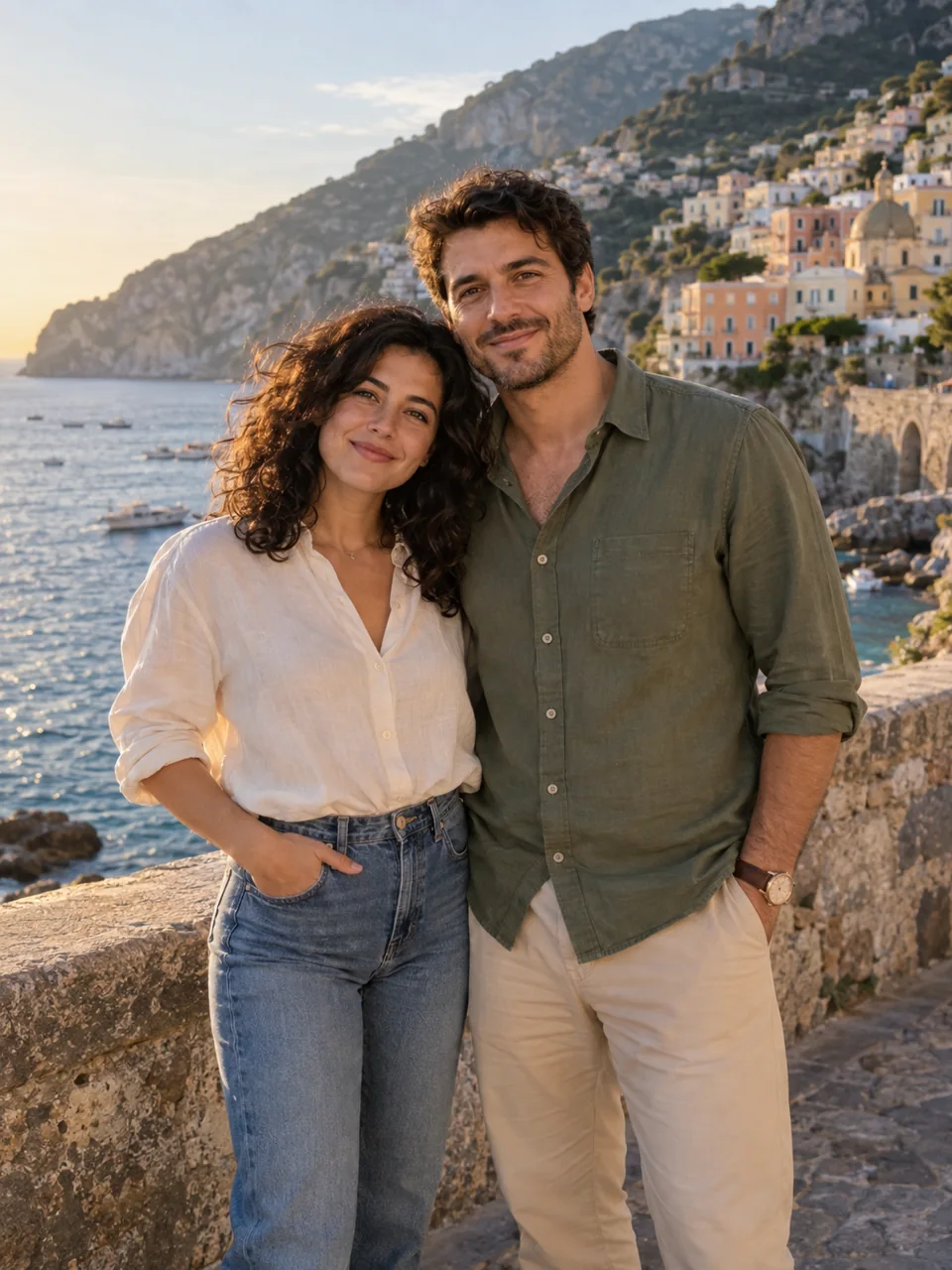 AI-created examples
TOGETHER
You were
there, too.
For the one always behind the camera. Turn two photos into one shared moment.
Picture us together Two photos. Both people’s permission. One new story.LESS EDITING. MORE IMAGINING.
One photo.
So many possibilities.
No complicated prompts. Just a little curiosity.
What is PicRoam?
PicRoam is an AI photo app with 100 scenarios across 10 worlds. Explore travel portraits, funny moments, hair and face effects, creative body transformations and photos together.
Can I try a different hairstyle or body effect?
Yes. Choose a clearly labeled hair, face or body scenario in the app. Use a clear portrait for face and hair effects, and a full-body photo for body and scale effects. These are creative previews, not predictions of real-world changes.
Are these real travel photos?
The images on this website are AI-created examples. PicRoam creates imagined scenes; they are not records of real travel or events. Your result will vary with your photo and the scene you choose.
Can I create a photo with someone else?
Yes. Together scenes use two selected photos. Only use photos you have permission to use, and ask the other person before creating or sharing a picture of them.
Do I need a subscription?
You can start with 2 free photos. Optional Plus subscriptions and one-time photo packs are available in the app. The App Store shows the current local price and purchase terms before you pay.
What happens to my photos?
When you agree to AI processing in the app, the selected photos are uploaded to PicRoam and sent to OpenAI to create your result. Read our Privacy Policy for details about processing, storage and your choices.
Can I delete my account?
Yes. Open Settings in PicRoam and choose Delete account. Our Account & Data Deletion page explains what is removed and how to get help if you cannot sign in.
YOUR NEXT WHAT IF